
 EN
EN
Understanding the W213 Mercedes Ambient Light System
What is the ambient lighting system in the Mercedes W213?
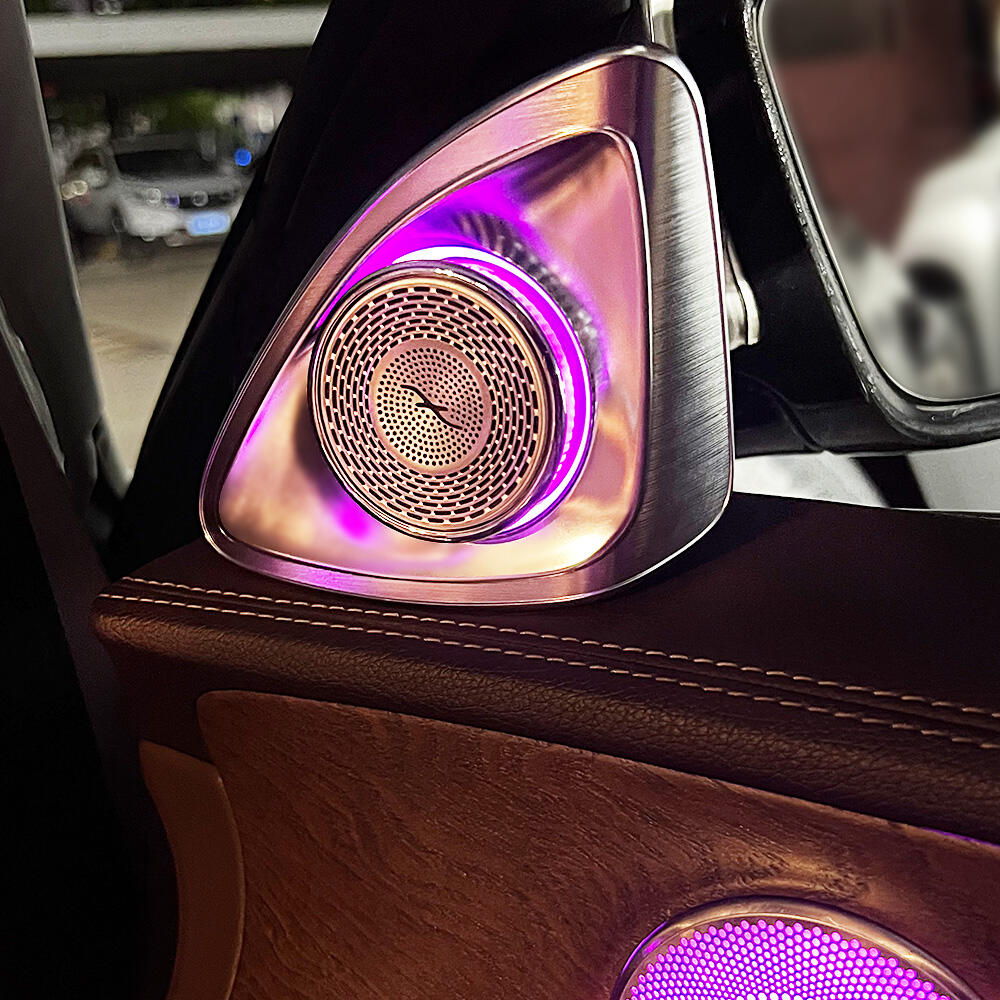
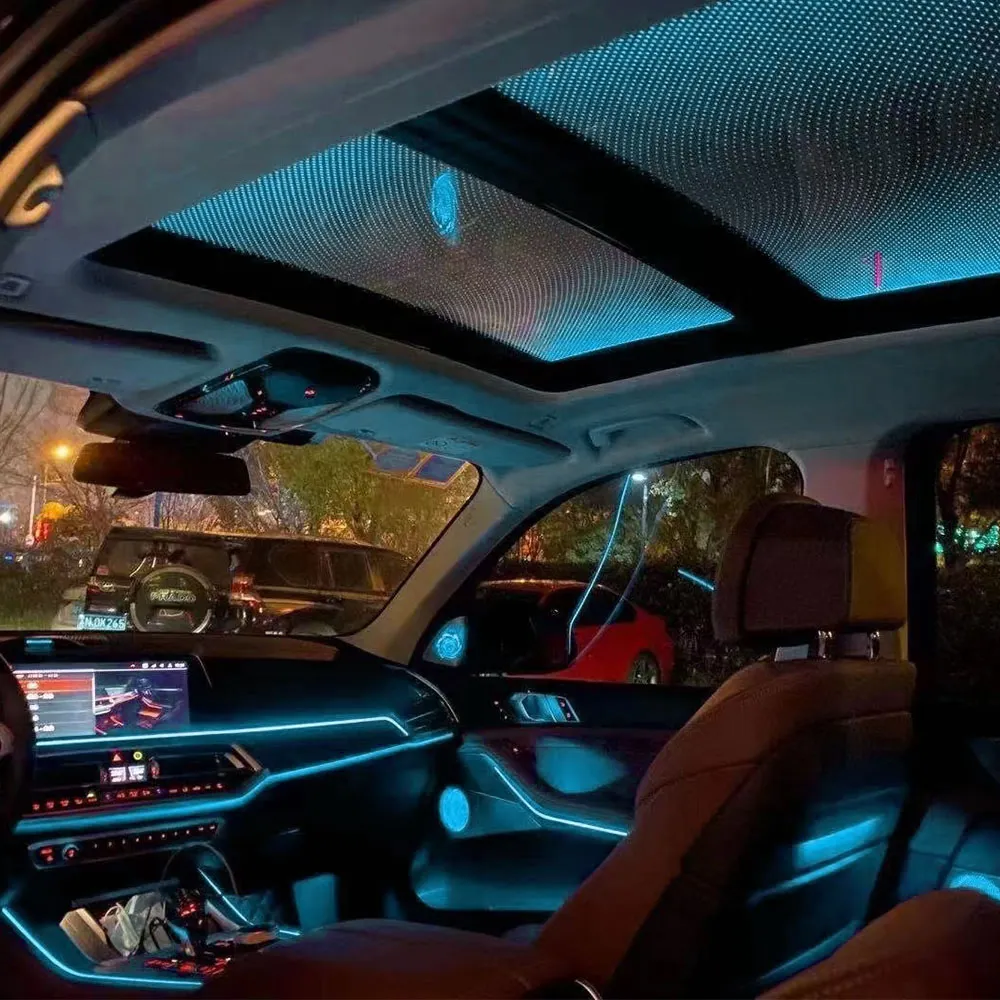
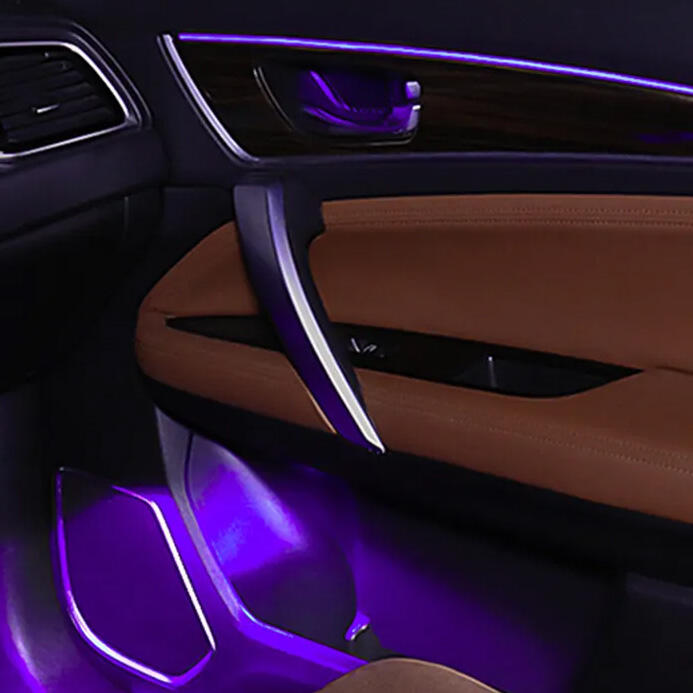
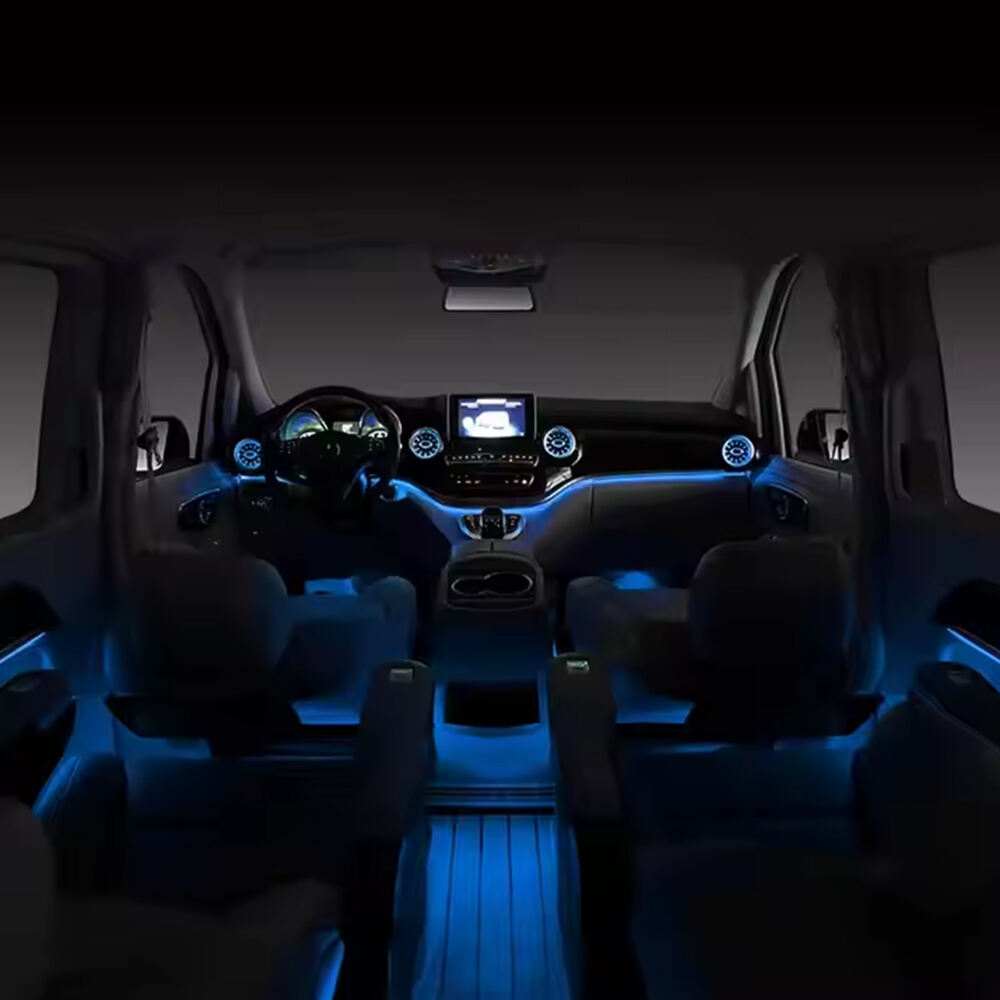
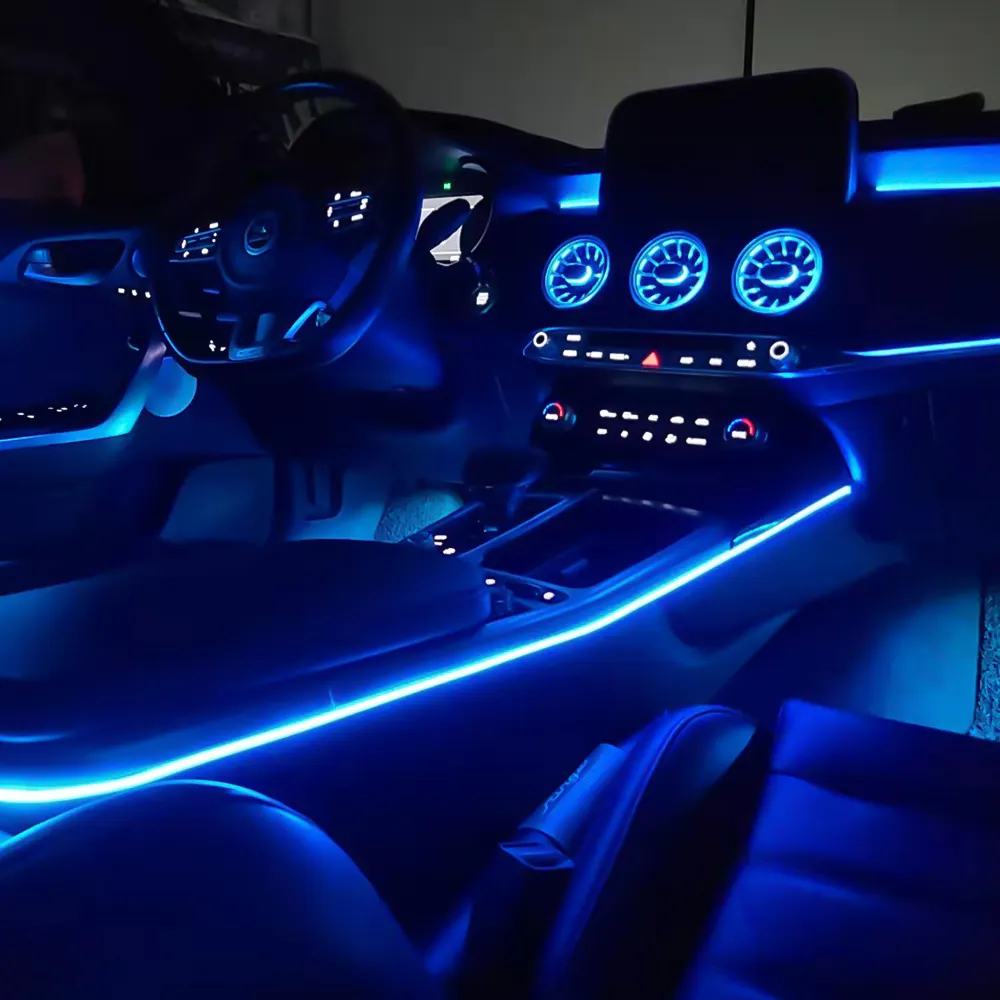
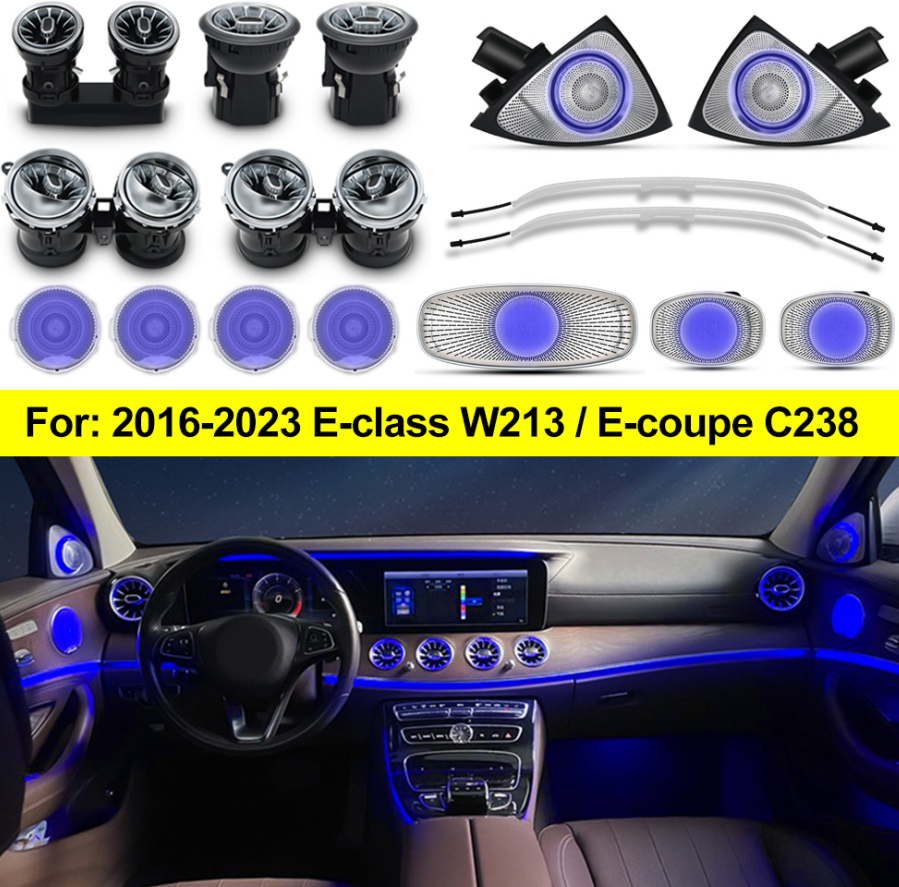
Mercedes' ambient light system in the W213 really transforms how the interior feels. It lights up those hard to see spots like footwells, door panels, and parts of the dashboard with LEDs that come in 64 different colors. What makes this feature stand out is that it doesn't just stay static. The lights actually change based on what driving mode is selected or what the driver prefers, which helps with seeing things better while also setting a certain mood inside the car. A recent study from Luxury Auto Trends found something interesting here too. They reported that around 87 percent of people shopping for luxury cars put ambient lighting high on their list of important features when deciding which model to buy.
Key components of the w213mercedes ambient light setup
Three core elements ensure optimal performance:
- LED strips: High-efficiency 600-lumen/m² modules with anti-glare coatings
- Control modules: CAN bus-linked processors managing color transitions and brightness
- Light guides & diffusers: Silicone-based channels that distribute light evenly, eliminating hotspots
Together, these components create the signature "halo effect" engineered specifically for the E-Class platform.
Integration with COMAND and MBUX interfaces
The system connects seamlessly with Mercedes' infotainment platforms via dedicated LIN bus protocols. Drivers can adjust settings using:
- The touchscreen’s Vehicle > Light menu
- Steering wheel-mounted controls
- Voice commands ("Hey Mercedes, activate night drive mode")
Integration ensures rapid response—under 300ms—between input and lighting change. Studies show 73% of users customize their lighting weekly, often selecting presets designed to reduce eye strain at night.
Ensuring Compatibility for Your W213 Model
Proper fitment of w213mercedes ambient light upgrades requires careful attention to model year, facelift status, and component specifications. Mercedes-Benz made subtle but critical revisions to connectors and light channel designs between 2016 and 2023, so cross-referencing VIN data with technical service bulletins is essential before installation.
Matching bulb types and connectors by model year
The W213 ambient system evolved across four connector generations from 2017 to 2021. Early models (2016–2018) used T10 wedge bulbs with 0.5mm pitch connectors, while vehicles from 2019 onward shifted to CANbus-controlled RGB LEDs. Always confirm your production month using a VIN decoder to ensure compatibility.
Pre-facelift vs. facelift differences in W213 interior lighting
The 2021 facelift introduced 40% narrower light channels (3.2mm vs. 5.4mm) and adopted 12V RGBW LEDs requiring PWM dimming controllers. As a result, pre-facelift kits may protrude slightly in newer models, causing visible hotspots unless modified during installation.
OEM vs. aftermarket part compatibility considerations
OEM parts guarantee perfect fit and function, but premium aftermarket suppliers now offer plug-and-play solutions with built-in COMAND/MBUX protocol support. However, third-party dashboard strips often need manual calibration to match factory brightness levels (600–650 nits), as measured under SAE J1757-2 standards.
Step by Step Physical Installation and Fitment
Removing Interior Trim Safely to Access Lighting Zones
When working on car interior removal, grab those specialty trim tools so we don't end up snapping any plastic clips or scratching paint jobs. Start from the bottom part of the panel and slowly move upwards, feeling around for those tricky little clips hiding in there. Most folks find they need about 7 to maybe 10 newton meters of torque to pop them free without breaking anything. Now for getting into that back storage area, look under where the headrests sit and take out those two T20 screws first. Once those are gone, give the panel a gentle lift but be careful not to force it if something still feels stuck.
Aligning LED Strips for Seamless Integration
Test-fit LED strips into factory grooves in doors and dash prior to adhesion. Maintain a 3–5 mm gap from panel edges to prevent light bleed. For best results, angle strips 15° toward reflective surfaces using alignment templates included in OEM kits to optimize light distribution.
Securing Wiring Harnesses to Prevent Issues
Route wires through existing factory channels using original plastic clips to avoid interference with window mechanisms. Apply anti-vibration loom tape every 15 cm along the harness and secure excess wire with zip ties trimmed to 2 cm. Test all connections with a 12V power supply before final reassembly.
Verifying Fitment Before Reassembly
Perform a 3-point check:
- Ensure no more than 0.5 mm gap exists between lighting components and trim
- Confirm all 64 colors respond correctly via steering wheel controls
- Verify no obstruction to seat memory buttons or climate vents
Address any misalignments before snapping trim pieces back into place with even pressure.
Configuring and Customizing Ambient Lighting Settings
Navigating MBUX/COMAND Menus to Adjust W213Mercedes Ambient Light
To get into the lighting options, head over to the Vehicle Settings section on the main screen. The COMAND knob works great for browsing through the 64 available factory colors, though many drivers prefer the MBUX touchscreen for its responsiveness. Want to really customize? There's this hidden gem called Expert Mode where folks can tweak RGB values individually. Most people miss it entirely actually - studies from last year show around 83% of car owners never even discover this advanced setting. Once everything looks just right, don't forget to hit that actual OK button located close to the gear shift lever. It might seem old school compared to all the digital stuff, but trust me, it's there for good reason.
Using Steering Wheel Controls and Touchscreen for Real-Time Changes
Left-side steering wheel buttons allow quick cycling through preset modes while driving. A triple-tap on the upper-right area of the touchscreen instantly adjusts brightness, supporting safer nighttime operation in line with NHTSA visibility recommendations.
Saving Custom Color Profiles in Driver Presets
Link your preferred lighting scheme to seat memory positions. The system stores up to three driver profiles, each with synchronized climate and audio settings. Note that ambient light intensity resets to 50% after restart, regardless of saved preferences.
Troubleshooting Unresponsive Settings or Sync Issues
If lighting responses lag, reboot the system by holding the volume knob for 12 seconds. Persistent issues are often caused by CANbus communication conflicts—use an OBD-II scanner to diagnose command prioritization before disassembling interior panels.
Avoiding Common Installation Pitfalls and Future-Proofing
Top mistakes: fuse box errors, incorrect polarity, and oil contamination
About 43% of ambient lighting issues in W213 models actually come down to using fuses that are too small for the job, particularly when dealing with those complicated multi-zone configurations. When people try installing these systems themselves, getting the polarity backwards is a real problem that can fry control modules beyond repair. That's why it's so important to double check all connections with a trusty multimeter before powering anything up. Another thing to watch out for? Oil left behind from hands or certain maintenance products tends to eat away at fiber optic cables inside door panels over time. Grab some isopropyl alcohol wipes and give those spots a good cleaning to keep everything looking clear and functioning properly.
Why some OEM grade kits still require modification
Even factory-certified kits may need adjustments for pre-2019 W213 models due to evolving CAN bus protocols. A 2024 analysis found 32% of such kits require added resistors to prevent error codes in cold climates. Always validate harness compatibility with your vehicle’s production date using Mercedes EPC datacards before installation.
Emerging trends: Adaptive lighting, voice control, and biometric integration
The latest W213 systems are syncing up with different drive modes these days warm amber tones for Comfort mode, icy blue hues when switching to Sport. We saw some interesting stuff at CES 2024 where prototype cars used facial recognition tech to change interior lighting depending on who was behind the wheel. For anyone working on installations, there's something important about those new systems they need USB-C ports built right into the trim panels. Installers would do well to plan ahead and leave around 15% extra wiring near the glovebox area just in case we see more biometric features added down the road. Makes sense really, since technology keeps evolving faster than ever before.